


How to Access Event Pokémon in Pokémon Pokopia Without Waiting
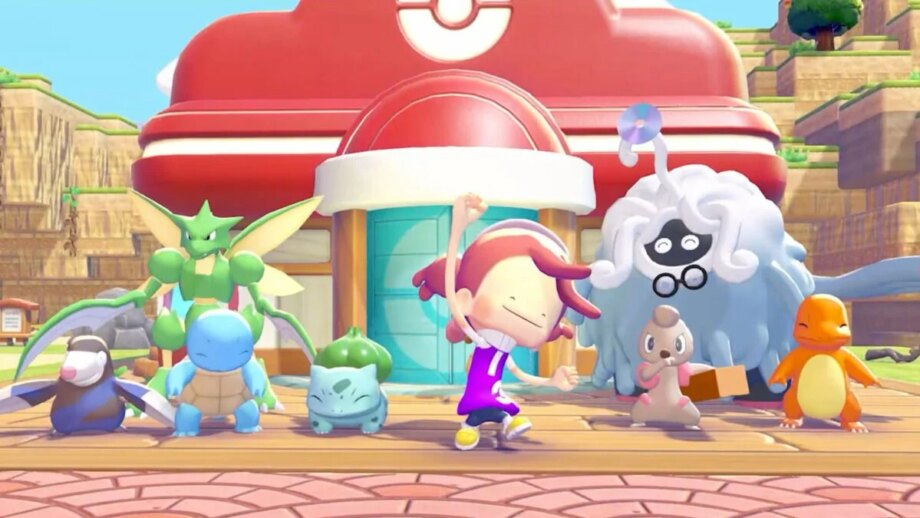
Pokémon Pokopia limits the recruitment of special Pokémon to specific event windows, forcing players to either play during those dates or adjust their Switch 2’s internal clock to “time travel.”
A Reddit user named ArcadiaCitizen_ has discovered a workaround that lets players obtain those exclusive Pokémon without waiting for events or altering their system clock.
The method requires the Mysterious Goggles, which let you enter cloud islands created by other players. Once on an island you can take photos and use the 3D printer found in Pokémon Centers to craft most items, provided you have enough Pokemetal or Rare Pokemetal.
Game Freak and Koei Tecmo have built a cloud island that contains virtually every item imaginable, including those tied to the habitats of event Pokémon. By 3D‑printing the needed items, you can recruit monsters such as the Jumpluff family, Sableye, and Jirachi without waiting for their event windows.
To make this work you must have a Nintendo Switch Online subscription, as the cloud island is accessed online. The specific island code used by ArcadiaCitizen_ is 6DXL PD6F.
When Pokopia launched earlier this year, it faced criticism for its time‑limited recruitment windows, especially since many fans had not yet obtained a Switch 2 by the March release and were unsure they could secure the Pokémon before the windows closed. Now, several exploits appear to let players bypass that restriction, whether the developers intended them or not.