



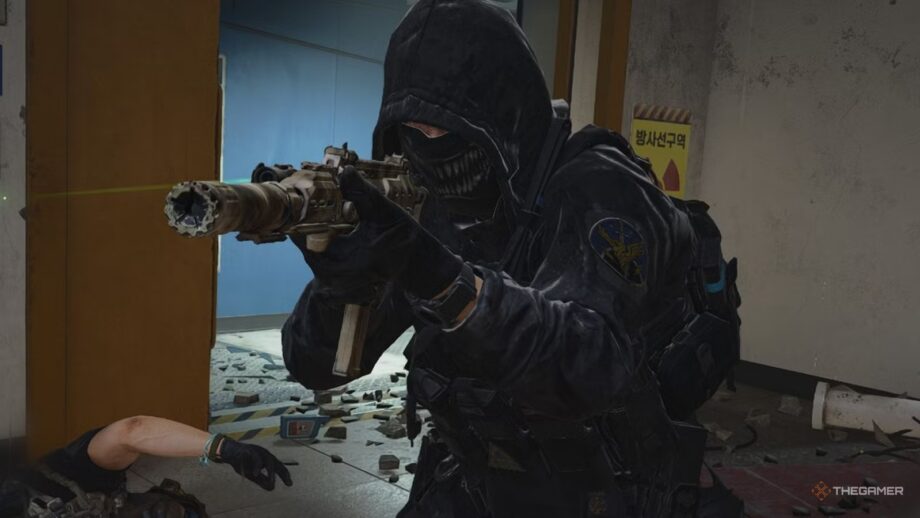
Playing with Friends in Modern Warfare 4
Call of Duty: Modern Warfare 4 is enjoyable solo, but the experience becomes even richer when you team up with friends. Coordinating squads, reviving each other, or watching a buddy rush into enemy fire adds a layer of fun that solo play can’t match.
How to Add Friends and Party Up
To play together you need to add friends through your Activision account, which works across the supported platforms. Open Modern Warfare 4, go to the Social menu, choose “Add Friends,” and enter your friend’s Activision ID. Send the request, wait for them to accept, then locate their name in your friends list. Select the friend and send a party invitation. Once everyone is in the party, launch Multiplayer or DMZ and start playing. Double‑check the ID for any numbers or characters; if you can’t find a friend, ask them to verify their full ID.
Is Modern Warfare 4 Crossplay?
Yes, Modern Warfare 4 supports crossplay, letting players on PlayStation 5, Xbox Series X/S, PC, and Nintendo Switch 2 join the same matches. To make it work, add each other through Activision and ensure cross‑platform matchmaking is enabled in the game settings.
Adjusting Crossplay Settings
Changing crossplay is straightforward. On PlayStation 5, open the game’s Settings, go to Account & Network, and toggle the crossplay option. Xbox players adjust the setting in the console’s Settings under Online Safety & Family, then Privacy & Online Safety, selecting Communication & Multiplayer to modify cross‑network play. PC users cannot turn crossplay off—it is enabled by default. Making sure both players have the latest game version and that crossplay is turned on in the respective platform settings will resolve most connection issues.