

How to Get and Use Earbuds in GTA 6
Grand Theft Auto 6 introduces a new way to enjoy the radio while on foot: you can purchase earbuds for the protagonists Jason and Lucia. This lets them listen to stations through their phones, so you won’t miss a favorite track just because you’re walking.
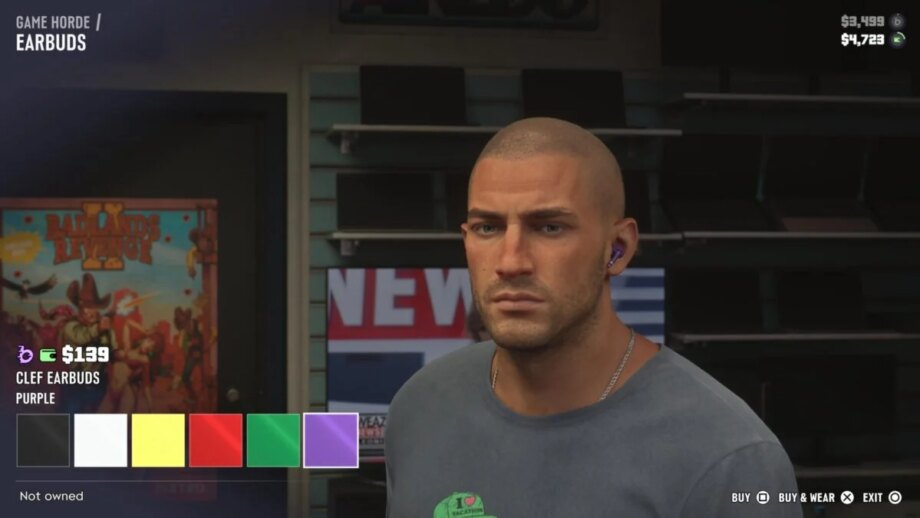
To start, locate any store that displays the headphone icon. In this guide we’ll use Game Horde as the example shop. Head there and approach the earbud case to make the purchase.
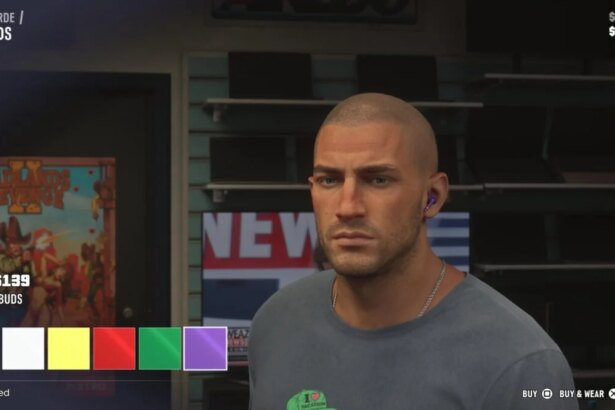
The earbuds come in several colors, and you can give Jason a sporty purple look. They appear on the character model, but they’re subtle enough that you might not notice them unless you look closely.
Equipping the earbuds works like putting on a mask or hat. Open the item menu by holding L1 (or LB) and pressing R1 (or RB), then use the right analog stick to highlight the headphones and press X (or A) to equip them.
Once equipped, you can turn them on and browse stations using the left direction on the D‑pad, just as you would in a vehicle. A quick double‑tap of the left button toggles the music on or off without opening the radio menu, letting you keep the beat while you’re busy.
With the earbuds active, you can enjoy any track, from a Greek cover of Nickelback’s “This Is How You Remind Me” to the high‑energy beats of Kaleidoscope FM, even while completing missions like knocking over a bowling alley.