

Playing with Friends
Escape Academy 2: Back 2 School can be enjoyed entirely as a single‑player game, but the puzzle‑solving experience feels richer when you have a classmate beside you. The game lets you tackle the whole story together, either in split‑screen local co‑op or online co‑op.
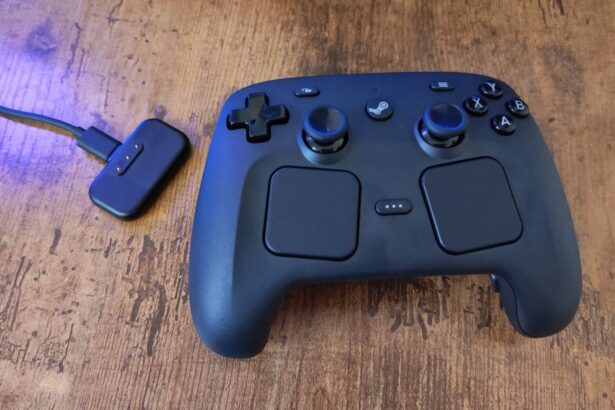
To start a session, go to the main menu and choose either Play Local Co‑op or Play Online. The local option lets you play without the second player owning a copy of the game. After selecting, activate a second controller or input device, then you can begin on a new save or continue an existing one.
How Multiplayer Works
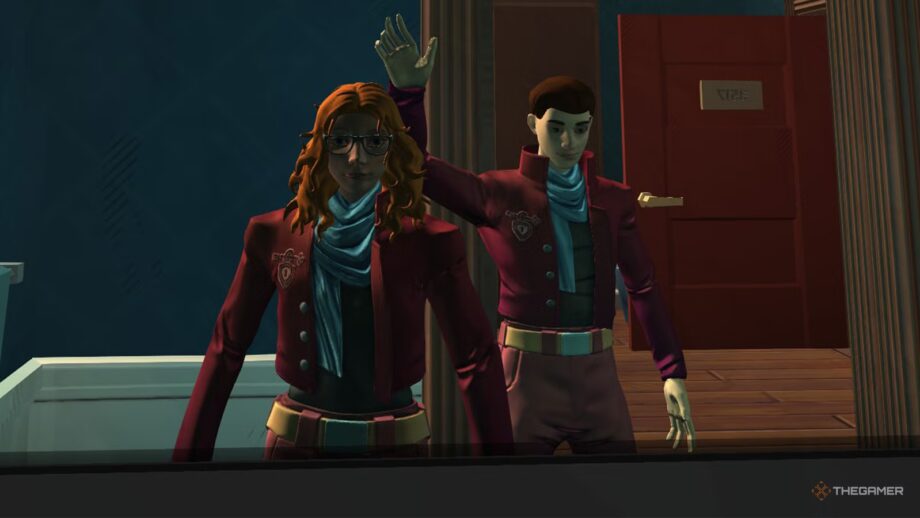
In split‑screen mode the screen is divided vertically, with each player labeled P1 and P2. You can walk up to another player and press the trade button to give them items, both in local and online sessions.
The host’s save file is the only one that progresses in online multiplayer, so a joining player cannot advance independently. Nonetheless, you are free to host and invite a friend for a few puzzles without needing to complete the entire game together.